•1 min read
Managing .env file in Azure Pipeline

Manoj Kengudelu
Author

Photo courtesy of Pero Kalimero on Unsplash
In the Test Automation framework, we often use the .env file to configure test properties including API endpoints or secret tokens. We ignore these files in .gitignore to make sure they’ve not been pushed to the repository.
Problem:
- Setup Test Automation in Azure CI/CD Pipeline.
.envfile is required while executing the tests.
Solution:
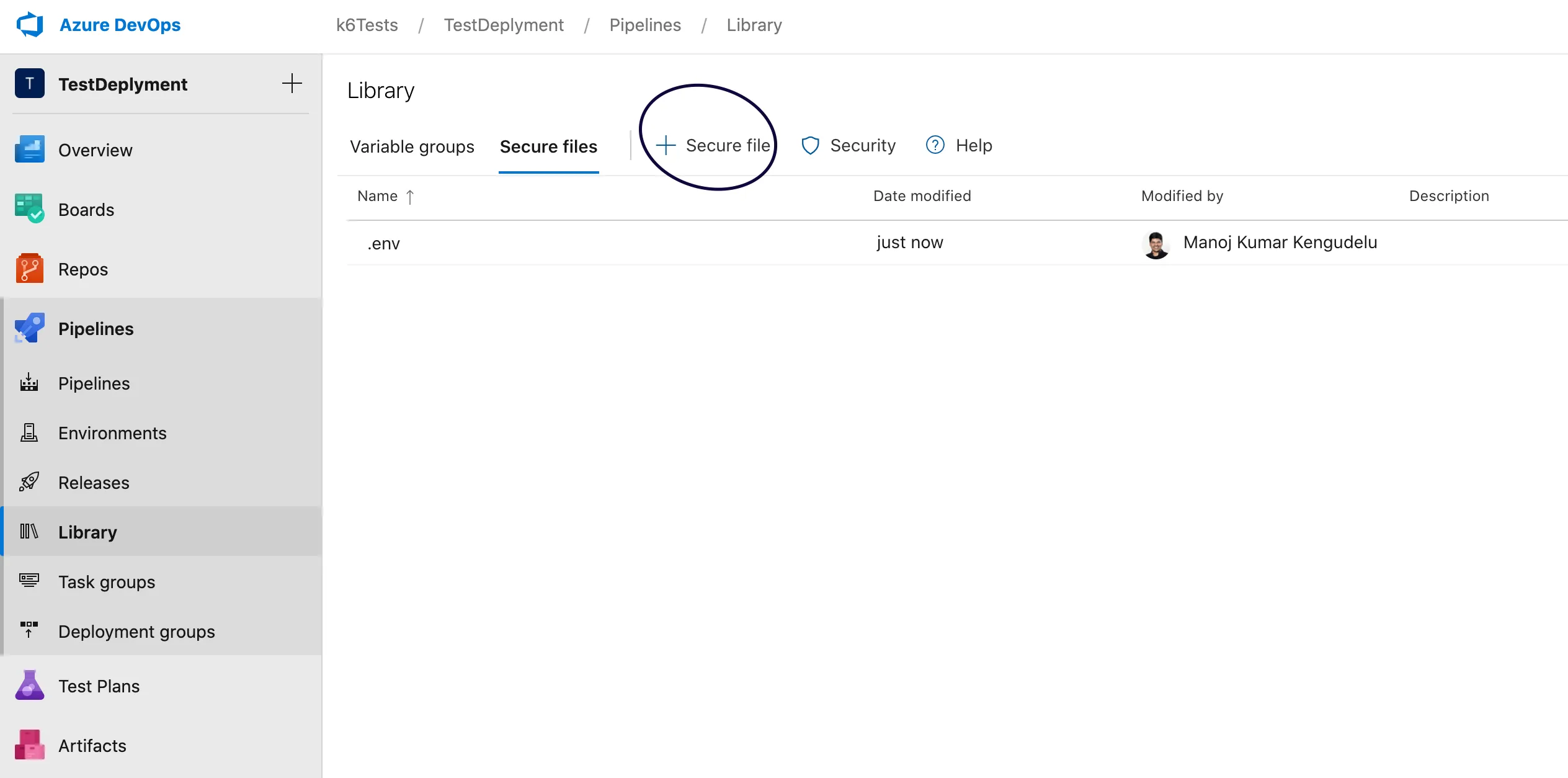
- Navigate to Pipeline -> Library -> Secure Files to upload the
.envfile
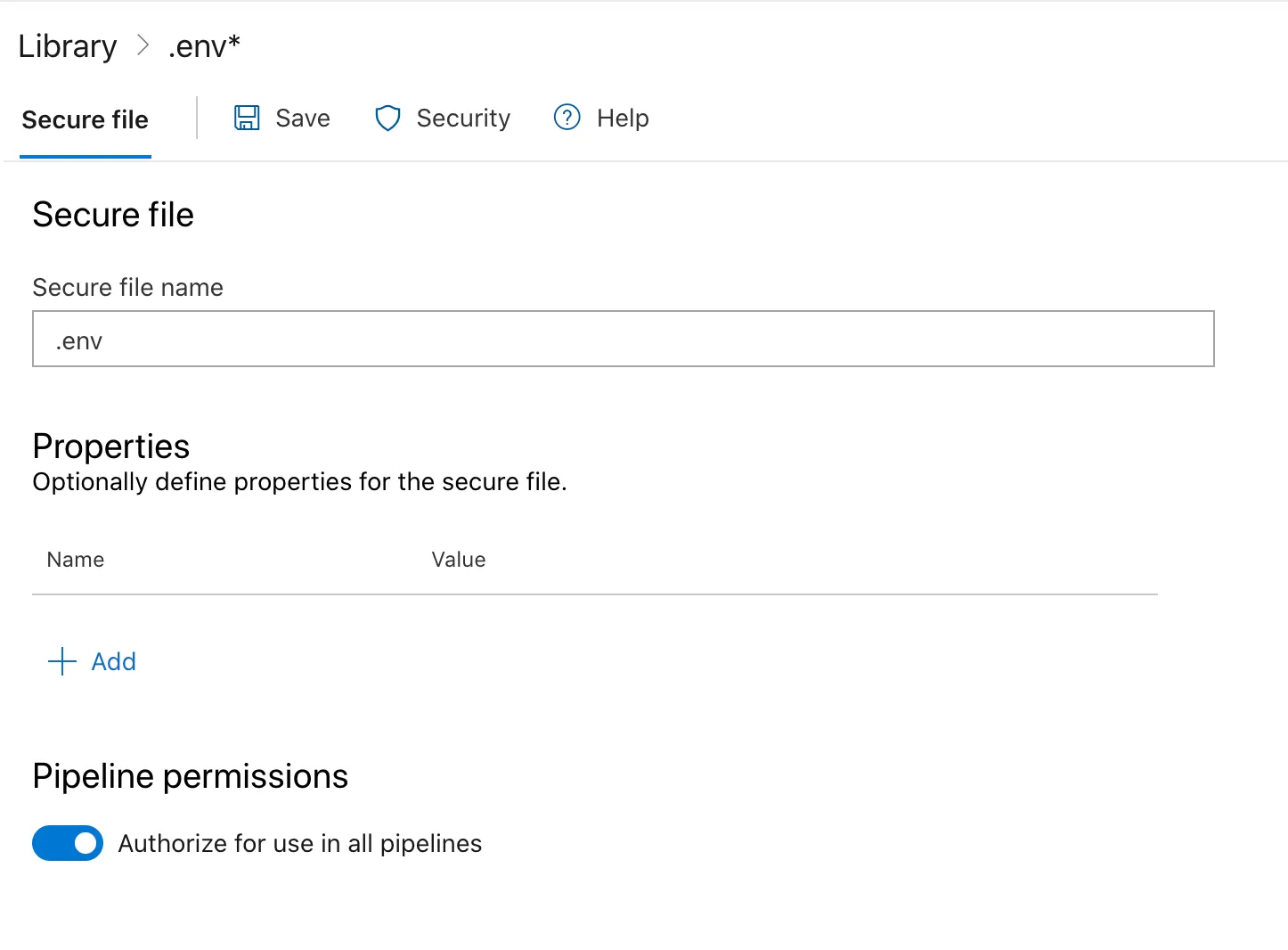
Authorise the use of .env in all pipelines
Update azure-pipeline.yml in your pipeline to use the .env assuming that the .env is required in the source directory to run the tests successfully
- task: DownloadSecureFile@1
  inputs:
    secureFile: ‘.env’
- task: CopyFiles@2
  inputs:
    SourceFolder: $(Agent.TempDirectory)
    Contents: ‘**\.env’
    TargetFolder: $(Build.SourcesDirectory)